
Computer down?
Call a geek.
Call a geek.
Laptops, desktops and Macs fixed right here in Salem since 2005.
FAQ
Got questions?
Got questions?
We've got answers.
Everything you need to know about our repairs, warranty, custom builds, on-site and remote help, and how we work.
// Most Asked
How long does a repair take?
Most common repairs — virus removal, screens, charging ports, tune-ups — are turned around quickly. Parts orders and bigger jobs take longer. We'll always give you a realistic estimate upfront.
// Most Asked
Do I need an appointment?
Nope — walk-ins are welcome Monday through Friday, 9am to 5:30pm at 4555 Liberty Rd S. You can also start a repair online or have a geek come to you.
// Most Asked
What warranty do repairs come with?
All repairs come with a 90-day warranty on parts and labor. If something goes wrong with the repair itself within 90 days, bring it back and we'll fix it at no charge.
All Questions
Everything you need to know.
Can't find what you're looking for? Call us or stop in — we're happy to help.
// 01General
Do I need an appointment?
No appointment needed — walk-ins are welcome Monday through Friday, 9am to 5:30pm. If you're coming in for something specific, calling ahead at (503) 362-4335 is always a good idea.
How long have you been around?
Since 2005. Salem Geeks is locally owned and operated in Salem, Oregon, and we've been fixing, cleaning up and building computers for Salem homes and businesses for over two decades.
Where are you located?
4555 Liberty Rd S, Suite 260, Salem, OR 97302. We're open Monday through Friday, 9am to 5:30pm, and closed Saturday and Sunday.
Can you come to me?
Yes — we do on-site visits to homes and offices, and many problems can be fixed remotely. See /onsite-repair or give us a call.
What do you work on?
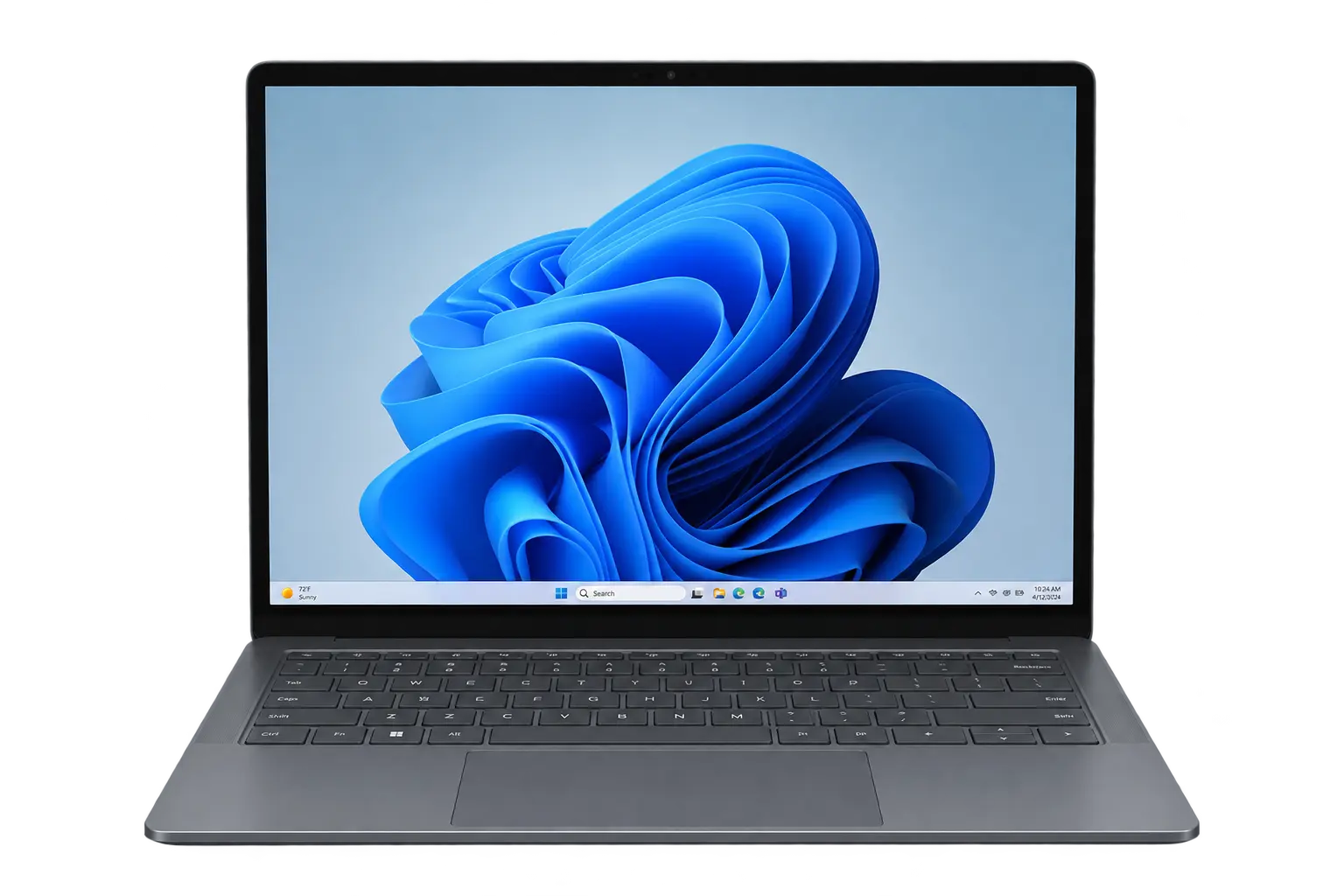
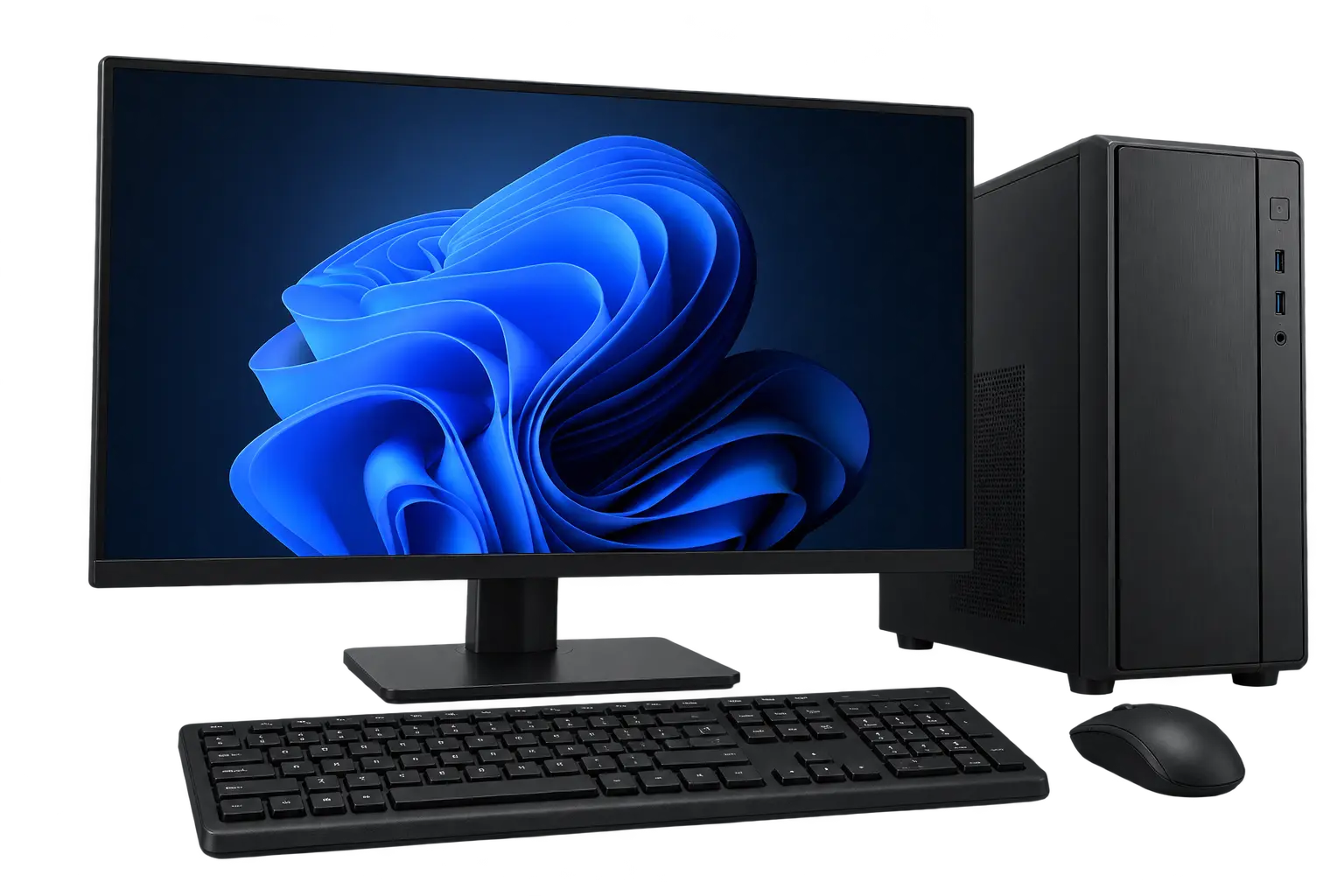
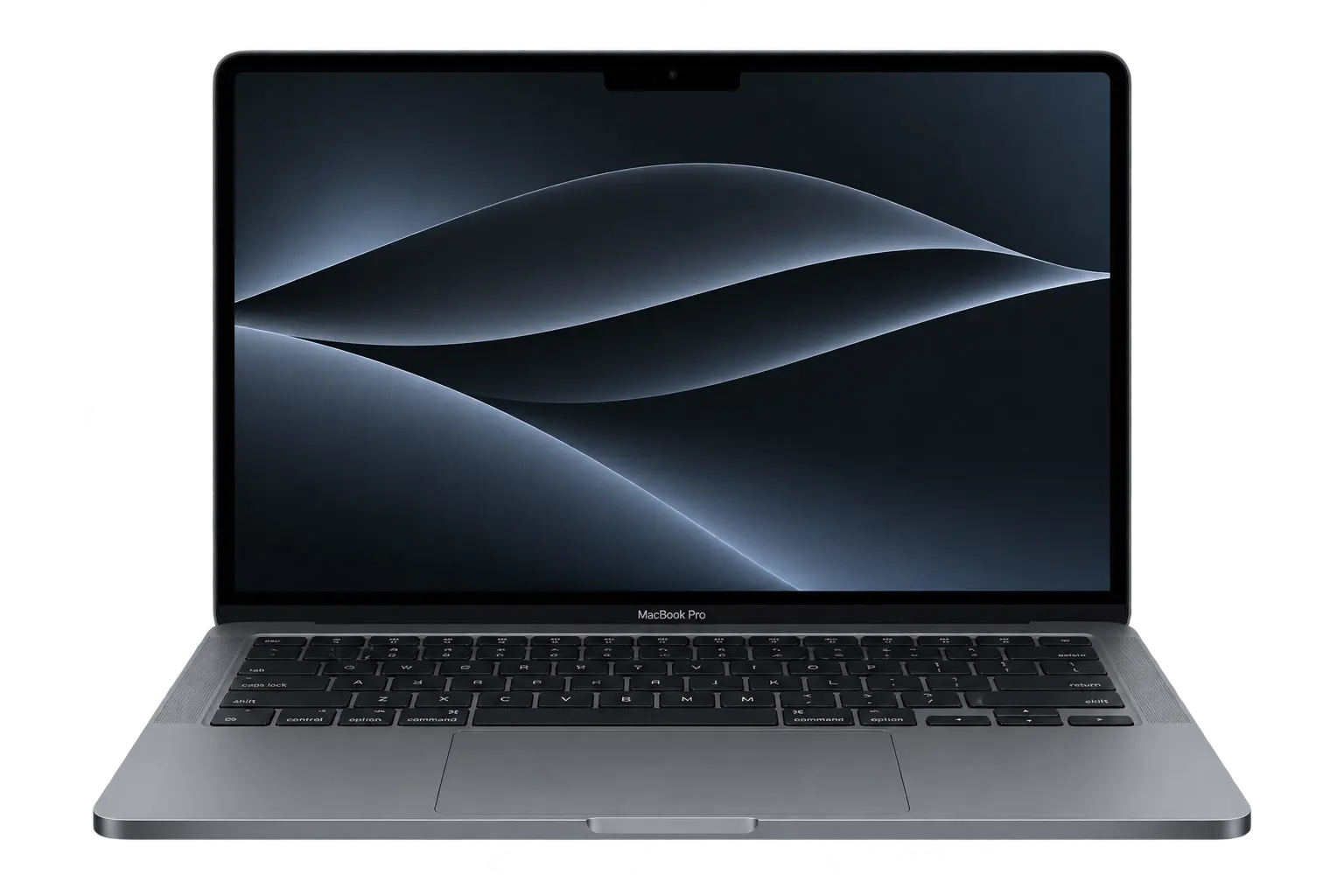
Windows laptops and desktops, Macs, Chromebooks, custom and gaming PCs, servers, networks, and printers. If you're not sure, just call and ask.
What should I do before bringing my computer in?
Back up your data if you can, and bring your charger and your password so we can test the repair. If you can't back it up, let us know and we'll talk through your options.
// 02Pricing & Warranty
How much does a repair cost?
It depends on the computer and what's wrong. We'll take a look and give you a quote before any work starts. No surprises.
What warranty comes with a repair?
All repairs come with a 90-day warranty on parts and labor. If the same issue comes back within 90 days, bring it back and we'll fix it at no charge.
What if it's not worth fixing?
We'll tell you honestly. Sometimes a repair costs more than the computer is worth — when that happens we'll walk you through your options, including a new or custom-built machine and moving your files over.
Will repairing my computer void the manufacturer warranty?
Third-party repairs can affect manufacturer warranties. If your computer is still covered, we'll tell you upfront if we think a warranty claim is the better route.
// 03Computer Repair
Do you work on both Mac and PC?
Yes — MacBooks, iMacs, Mac minis, Windows laptops, desktops, and custom builds. We work on all the major brands including Dell, HP, Lenovo, Microsoft Surface, ASUS, Acer, Razer, and MSI.
My computer is slow. Can you fix that?
Usually, yes. Slow computers typically come down to a failing drive, not enough RAM, too much software running at startup, or a virus. We find the actual cause rather than just reinstalling and calling it done.
Do you remove viruses?
Yes. Virus and malware removal is one of the most common things we do. We clean it out, make sure it's actually gone, and help you avoid picking it up again.
Can you replace my laptop screen or charging port?
Yes — LCD screen replacements and DC jack (charging port) replacements are both regular repairs for us on most laptop models.
Can you set up my new computer?
Yes. We do new system setup, move your files and programs over from your old computer, and install the software you need.
Will I lose my data during the repair?
Most repairs don't touch your data. If there's any risk, we'll talk to you before we start. We always recommend backing up your own data before any repair.
How long does a repair take?
Most common repairs are turned around quickly. Parts orders and bigger jobs take longer — we'll give you a realistic timeline before we start.
// 04Data Recovery
Can you recover files from a dead drive?
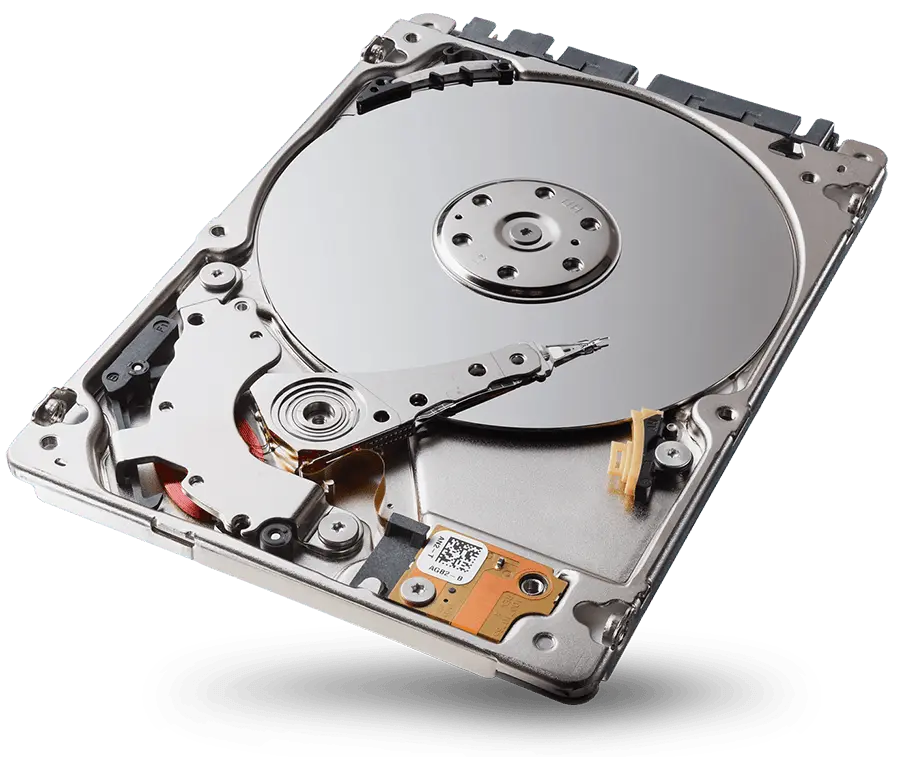
Often, yes. Failed hard drives, dead SSDs, corrupted partitions, and accidentally deleted files are frequently recoverable. Stop using the drive and bring it in as soon as you can.
Can you recover from a drive that's been reformatted?
Often yes. Reformatting typically removes the file index but leaves the actual data on the drive. As long as new data hasn't been written over it, recovery is usually possible.
My drive is making a clicking sound. Is that bad?
Yes — clicking usually means the drive's read/write heads are failing. Turn it off and bring it in. The data is often still recoverable if you stop using it right away.
Can you move my files to a new computer?
Yes. Data transfer is one of our most common jobs — documents, photos, email, and bookmarks moved from your old computer to your new one.
How do you keep my data private?
Your data stays in our shop and isn't kept on our systems after the job is done. We don't keep copies and we don't open personal files unnecessarily.
// 05Custom Built Computers
How does the build process work?
Fill out the build request at /gaming-builds or give us a call. We'll go over parts, pricing, and timeline, then source the parts and build it. You pick it up at the shop when it's ready.
How much does a custom build cost?
Our Budget Build starts at $750. Budget Gaming, Mid-Range Gaming and High-End Gaming builds are quoted based on the parts you choose — call us for a quote.
Is it only gaming PCs?
No — we build everyday home and office computers, gaming rigs, workstations, and file servers. File servers need a special quote.
What parts do you use?
Quality parts from brands like Fractal Design, Thermaltake, MSI, ASRock, ASUS, Corsair, Crucial, Samsung, and Seasonic, with Intel or AMD Ryzen processors and NVIDIA RTX or AMD Radeon graphics.
// 06On-Site & Remote Help
How does on-site service work?
A Salem Geeks tech comes to your home or office, figures out what's wrong, and fixes it there when possible. If something needs to come back to the shop, we'll take care of it. See /onsite-repair.
What can you fix on-site?
Computers, new system setup, networking and Wi-Fi, printers, servers, and software installs. If you have more than one issue, have the whole list ready.
How does remote support work?
Call us first so a geek is ready for you. Then download the remote support app from /remote-access and read us the code on your screen. We connect to your computer and fix it while you watch.
Is remote support safe?
Yes. We can only connect when you start the session and give us the code, and you can end the session at any time.
// 07Business & IT
Do you work with businesses?
Yes. We support Salem-area offices with computers, servers, networking, and on-site visits. See /it-support for details.
Can you set up a server or office network?
Yes. We set up and maintain file servers, networks, and office computers, and we can build a custom server for your needs.
Can you help if we've been hit by a virus or ransomware?
Yes. Call us right away at (503) 362-4335 — don't wait on a form. The sooner we get to it, the better.
// 08Repair Status
How do I check my repair status?
Visit /repair-status and look up your ticket. Your ticket number was given to you at drop-off or when you submitted your repair form.
I lost my ticket number. What now?
Give us a call at (503) 362-4335 and we'll look it up. Your name and phone number are usually enough to find it.
How will I know when my computer is ready?
We'll contact you using the info you gave us at drop-off — phone, text, or email.
Still have questions? Reach out.
Can't find what you're looking for? Call us, stop in, or start a repair online — we'll take it from there.